
§ 02 / 2026 · iOS · Android · Document AI

TaxScanZA

Wrong size. Wrong format. No explanation. TaxScanZA scans any tax document and exports a file that meets SARS eFiling requirements in about 30 seconds.

Under 5 MB 300 DPI Works offline R49 once
Scan to ready30 sec
Size cap<5 MB
Categories7 folders
UnlockR49 once
§ 02 — Product

SARS said no. Now it says yes.

TaxScanZA is built around the small, maddening reasons eFiling rejects uploads: oversized scans, wrong resolution, encrypted PDFs, unsupported formats, odd filenames, and documents scattered across tax season.

The workflow is intentionally short: point the camera, scan, validate, export. The app checks the file before upload day, so a taxpayer sees the problem while they can still fix it.

§ 03 — Built for SARS eFiling

Every spec SARS actually asks for.

01 — Size

Under 5 MB, guaranteed.

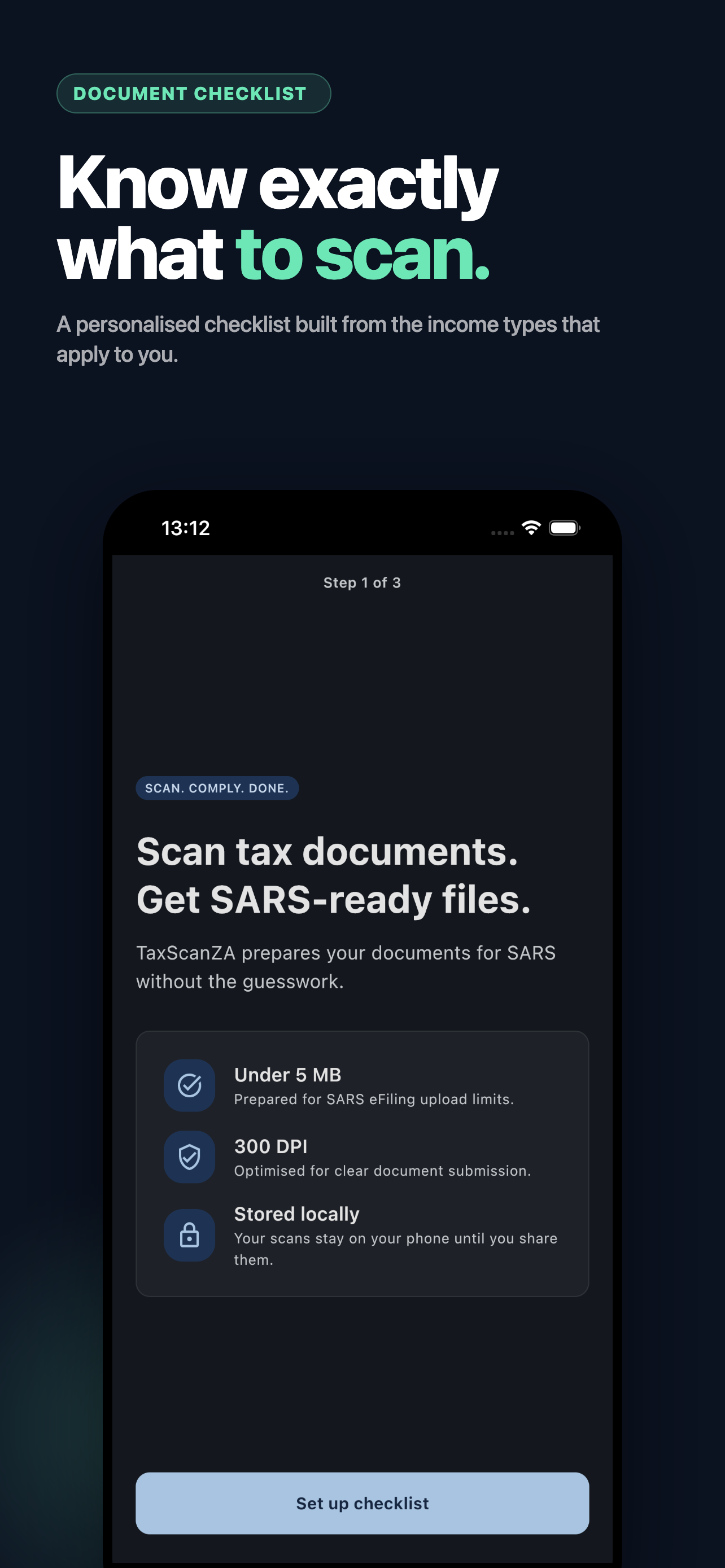
Every scan is compressed to meet the SARS file size limit. No manual resizing, no guessing, no upload loop.

02 — Resolution

300 DPI. Text stays readable.

High-resolution output that stays legible instead of being compressed into mush.

03 — Compliance

The whole checklist, ticked.

Size, resolution, PDF format, encryption status, and filename checks happen before export.

  • Size < 5 MB
  • 300 DPI
  • PDF format
  • Filename OK
04 — Security

Encrypted PDFs, flagged.

Password-protected PDFs can break eFiling uploads silently. TaxScanZA catches them early.

05 — Organized

Seven tax-season folders.

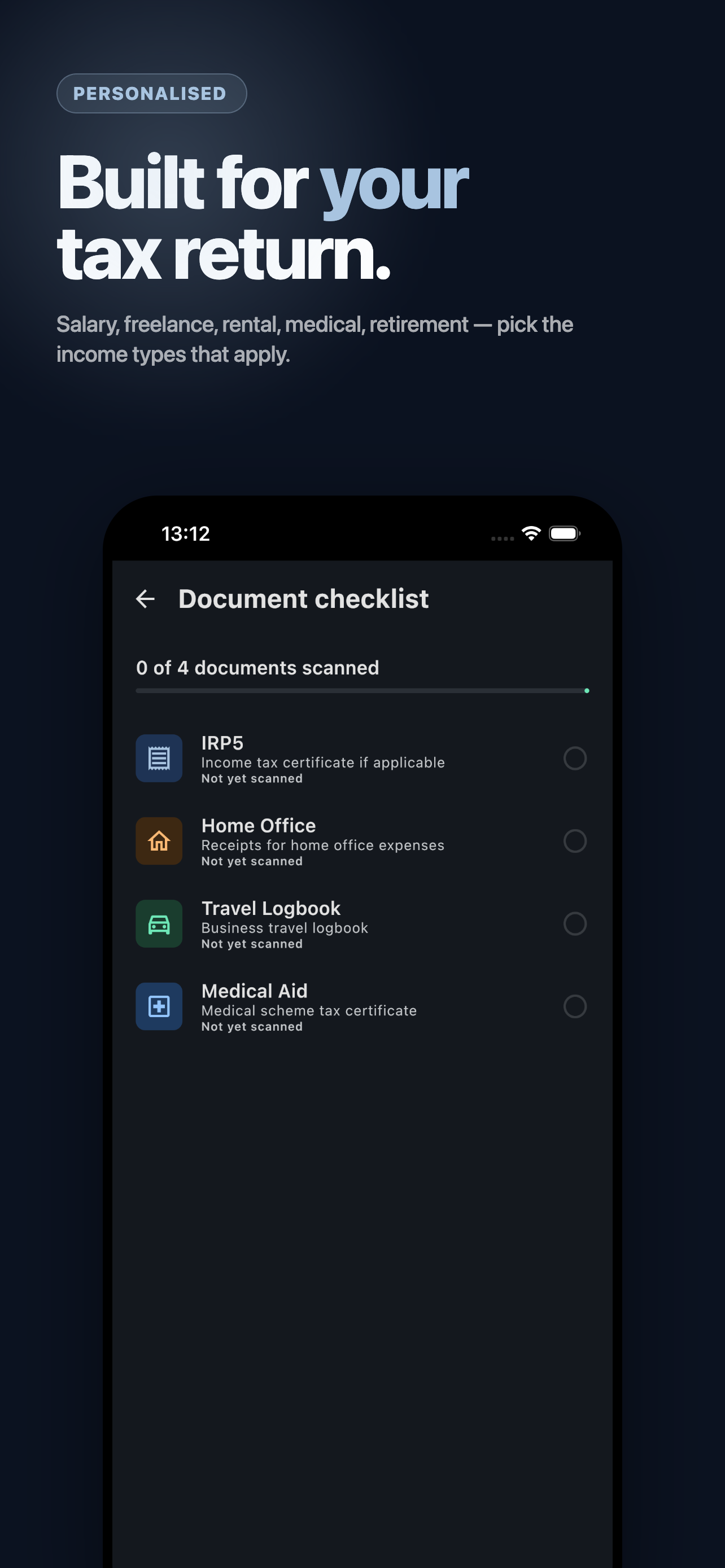
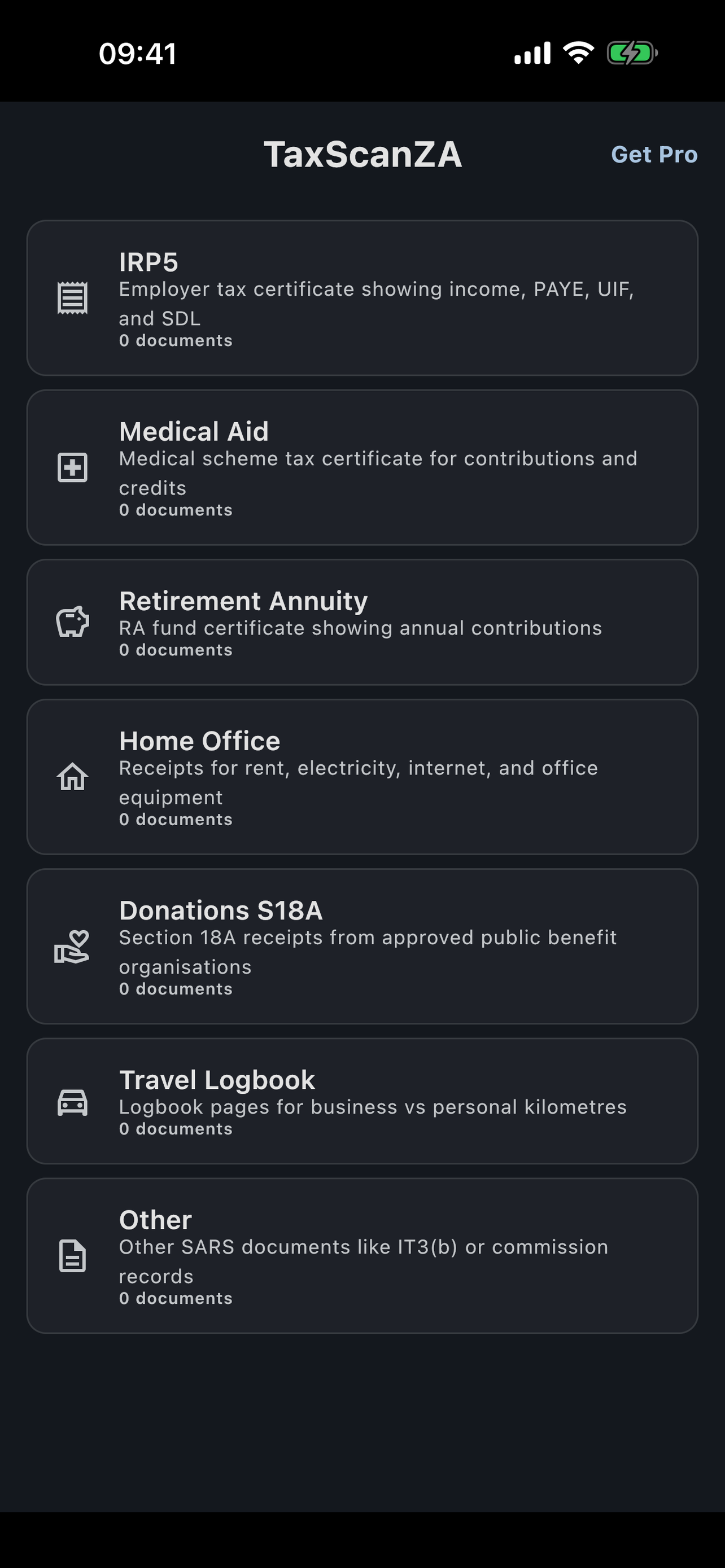
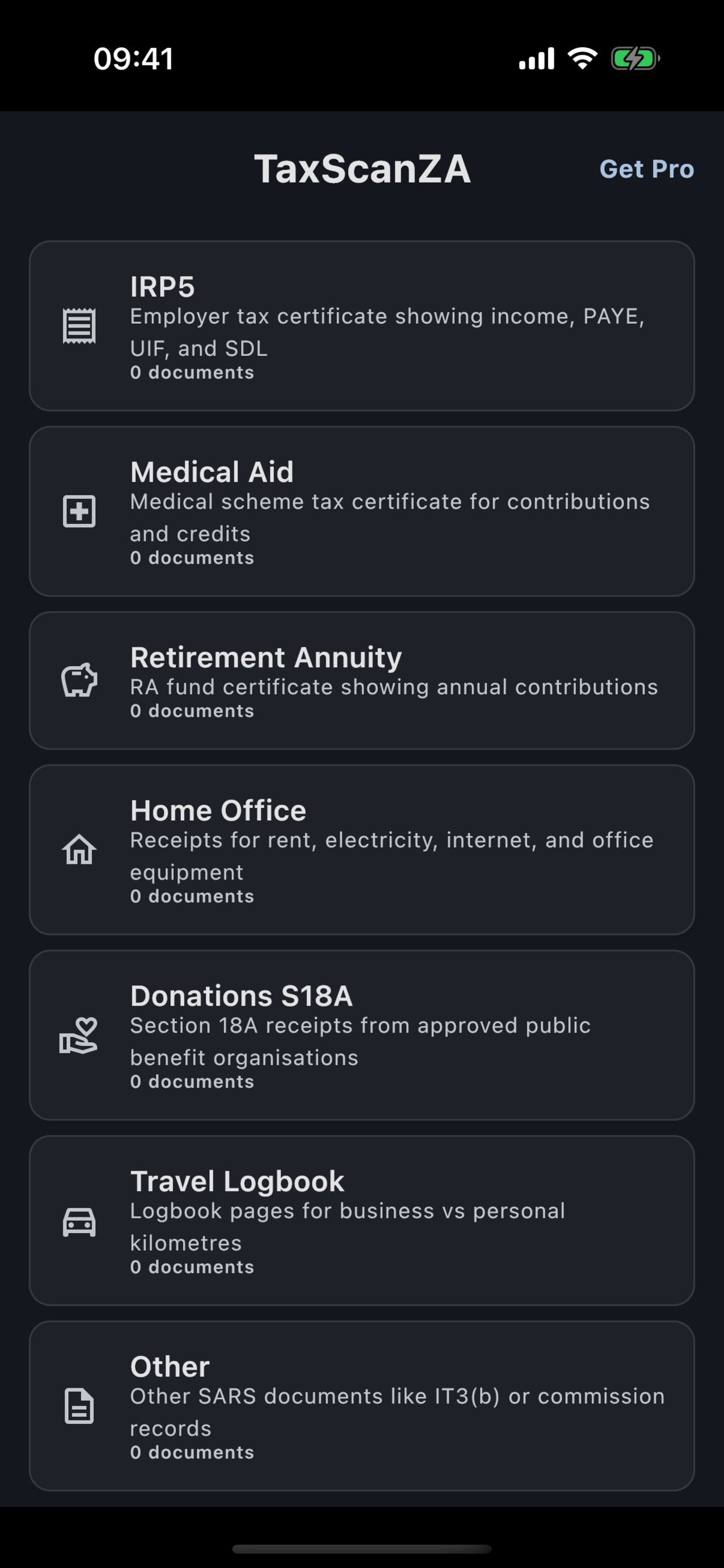
IRP5, medical aid, retirement, insurance, donations, home office, and other supporting documents.

06 — Offline

No signal? No problem.

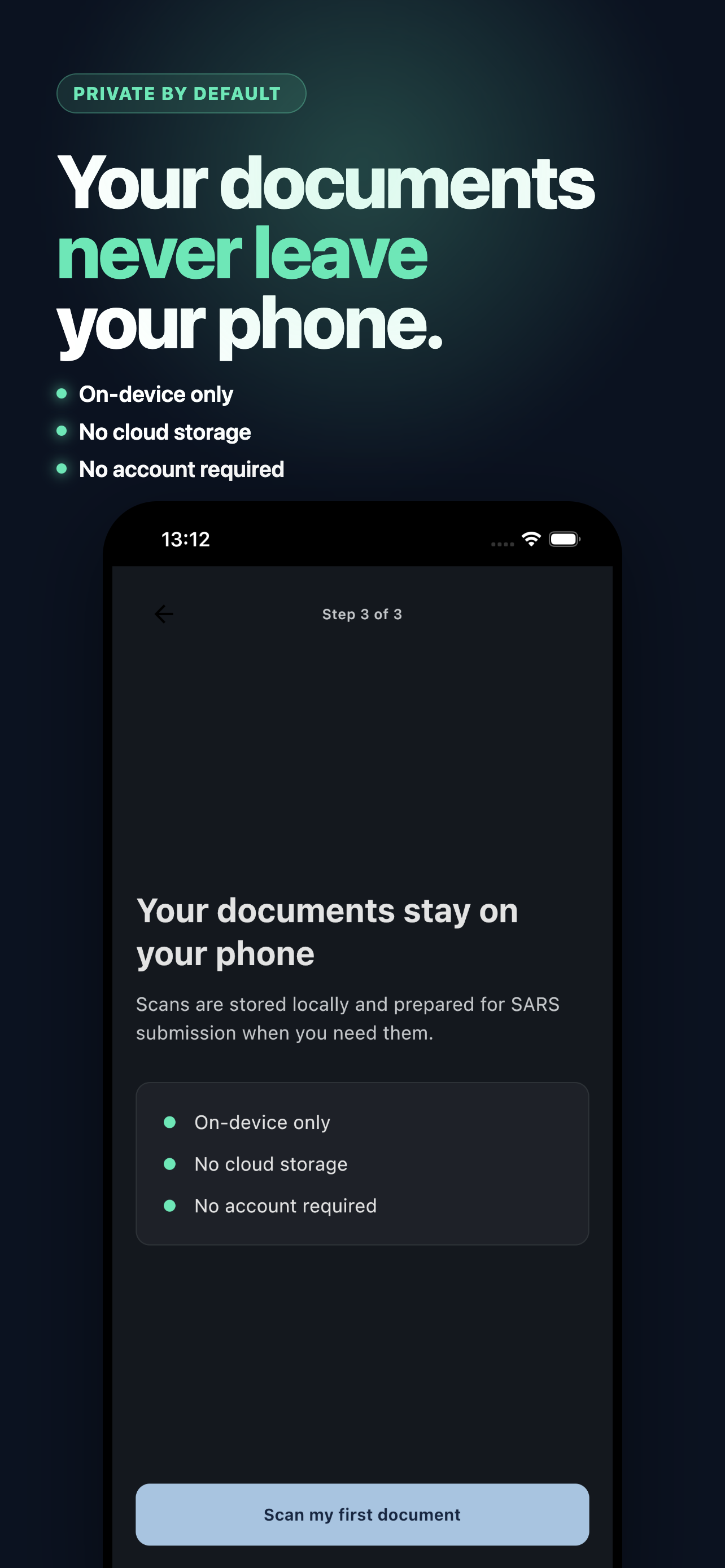
Scan, optimize, organize, and store on device. Export when ready. Documents do not need to touch a server.

§ 04 — Workflow

Point, scan, done.

01Capture

Use the camera for IRP5s, medical aid certificates, statements, receipts, and proof documents.

02Validate

TaxScanZA checks the SARS upload constraints and flags the common reasons documents fail.

03Export

Send the compliant PDF to email, Files, AirDrop, or wherever the eFiling workflow starts.
§ 04.5 — Store story

The App Store pitch.

TaxScanZA App Store hero marketing image
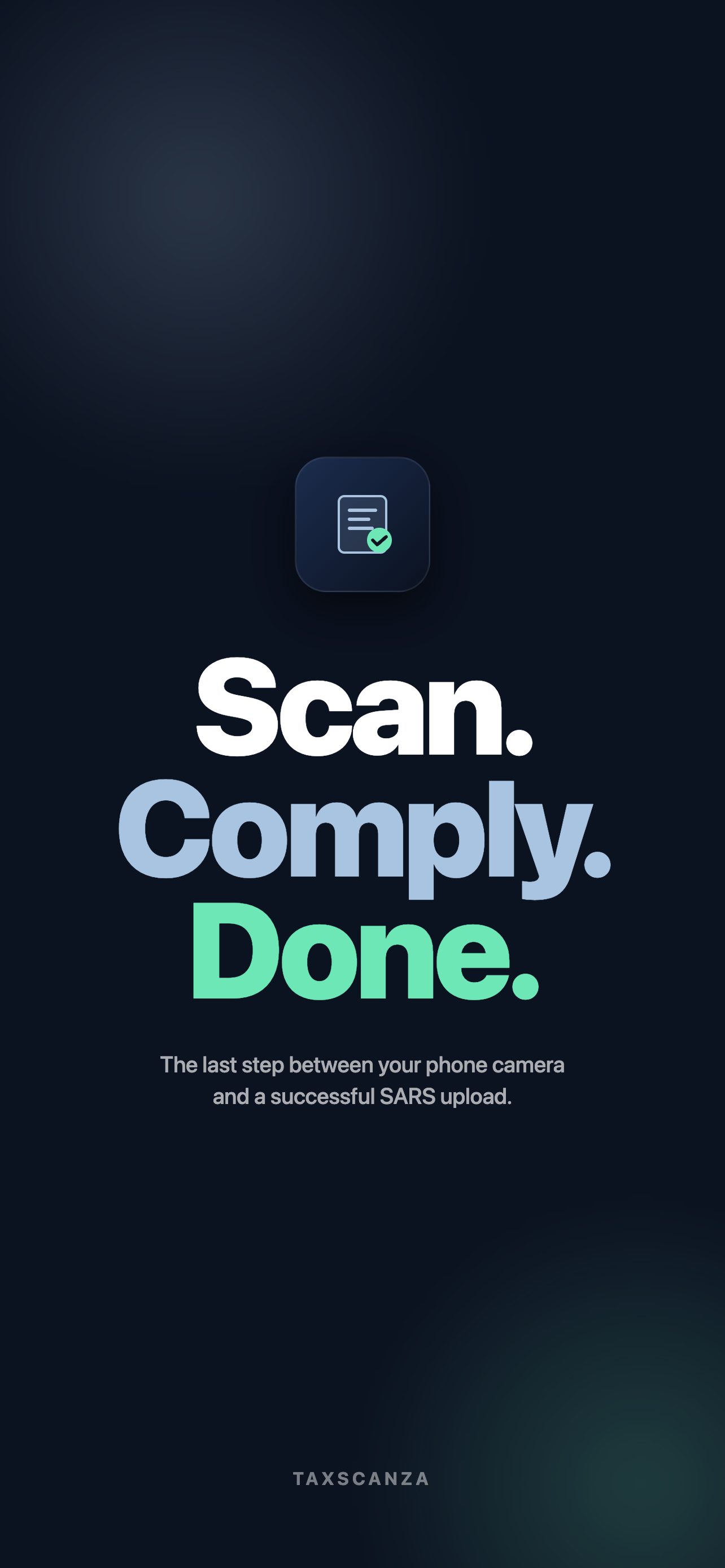
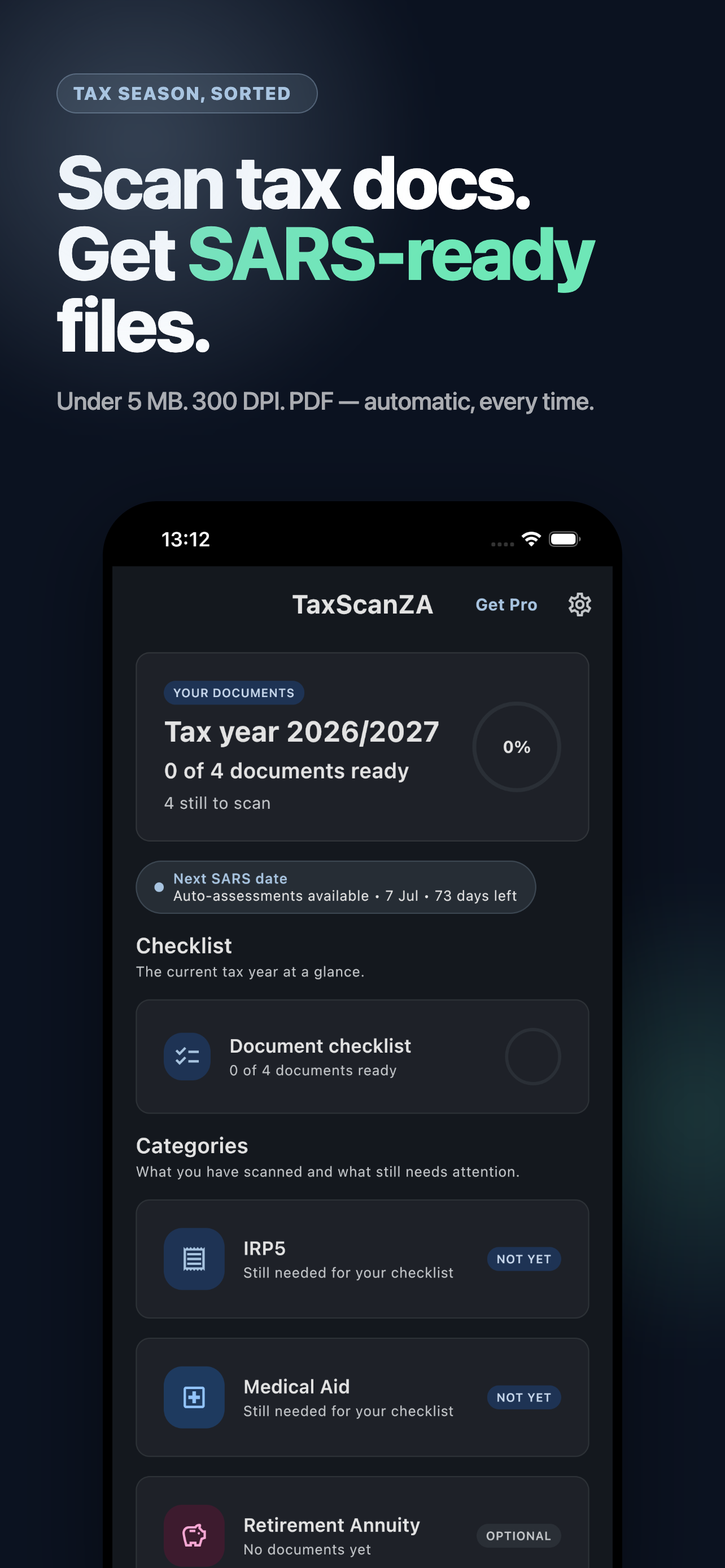
01 SARS-ready scans in your pocket.
TaxScanZA checklist marketing image
02 Compliance checks before upload day.
TaxScanZA privacy marketing image
03 Local-first document handling.
TaxScanZA dashboard marketing image
04 Tax documents organized by category.
TaxScanZA income document marketing image
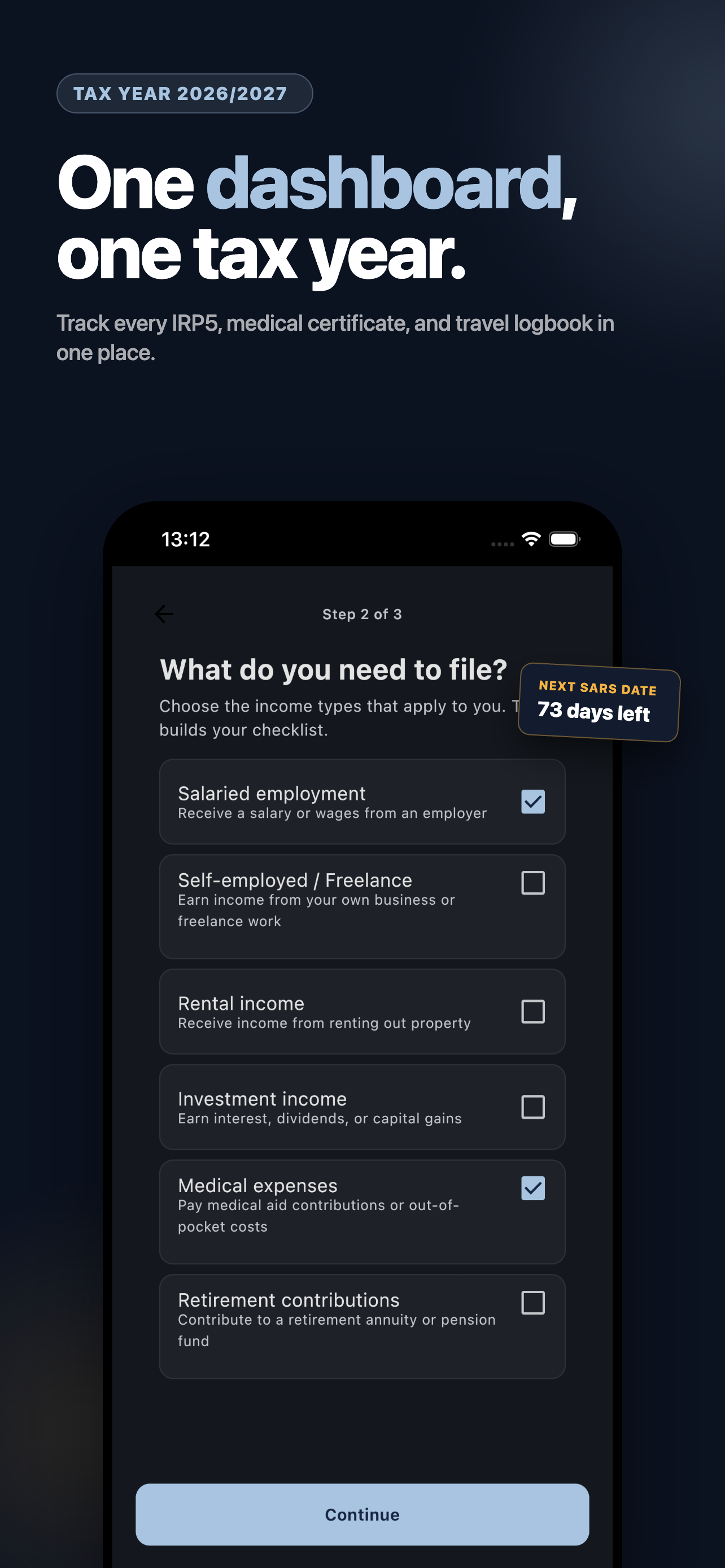
05 Built around real tax-season documents.
TaxScanZA tagline marketing image
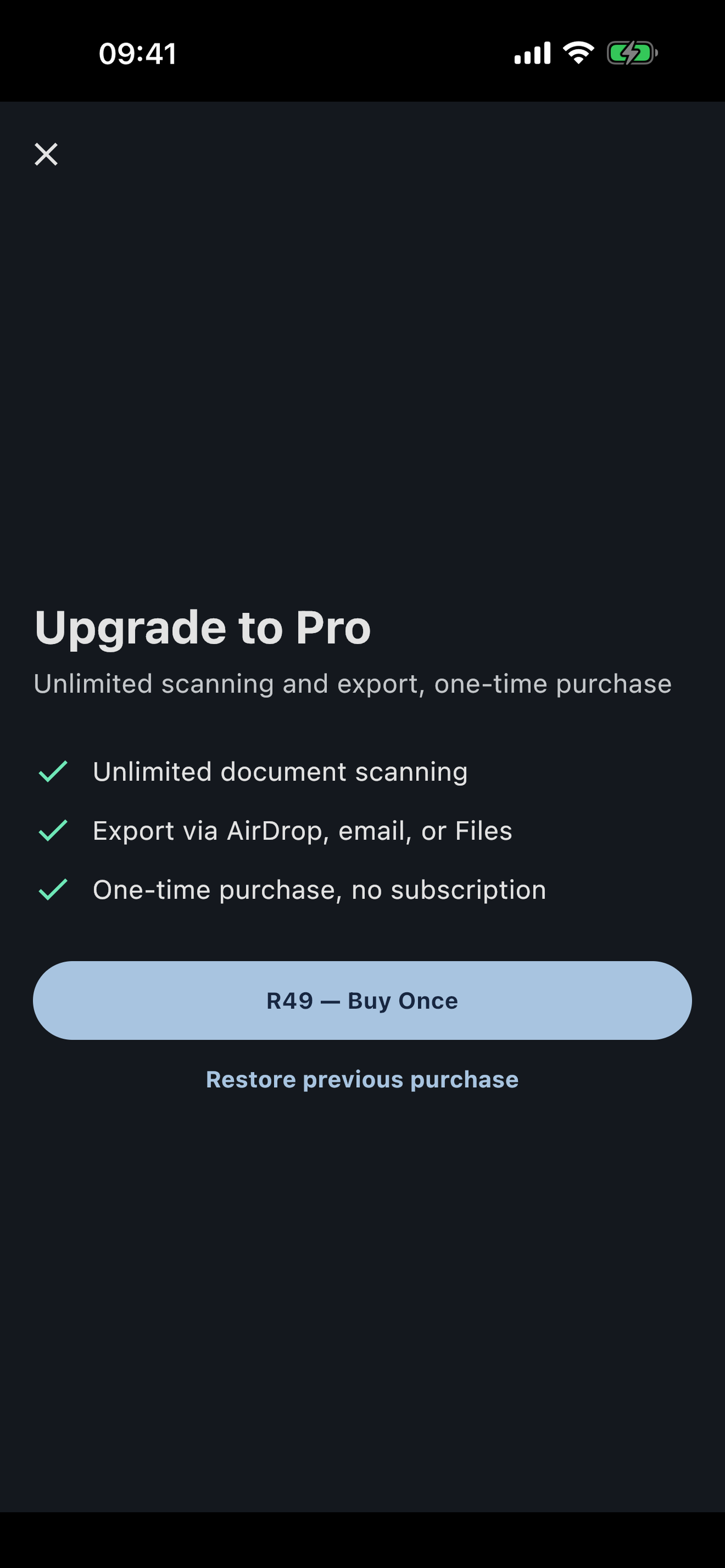
06 No subscription. One unlock.
§ 04.6 — Product screens

See it actually working.

TaxScanZA document reduced to a SARS-compliant file size
01 Instant size reduction, SARS compliance confirmed.
TaxScanZA compliance checklist showing pass and fail states
02 Every SARS requirement, automatically checked.
TaxScanZA scanner camera view capturing a tax document
03 Point the camera. That is the whole workflow.
TaxScanZA document list organized by tax category
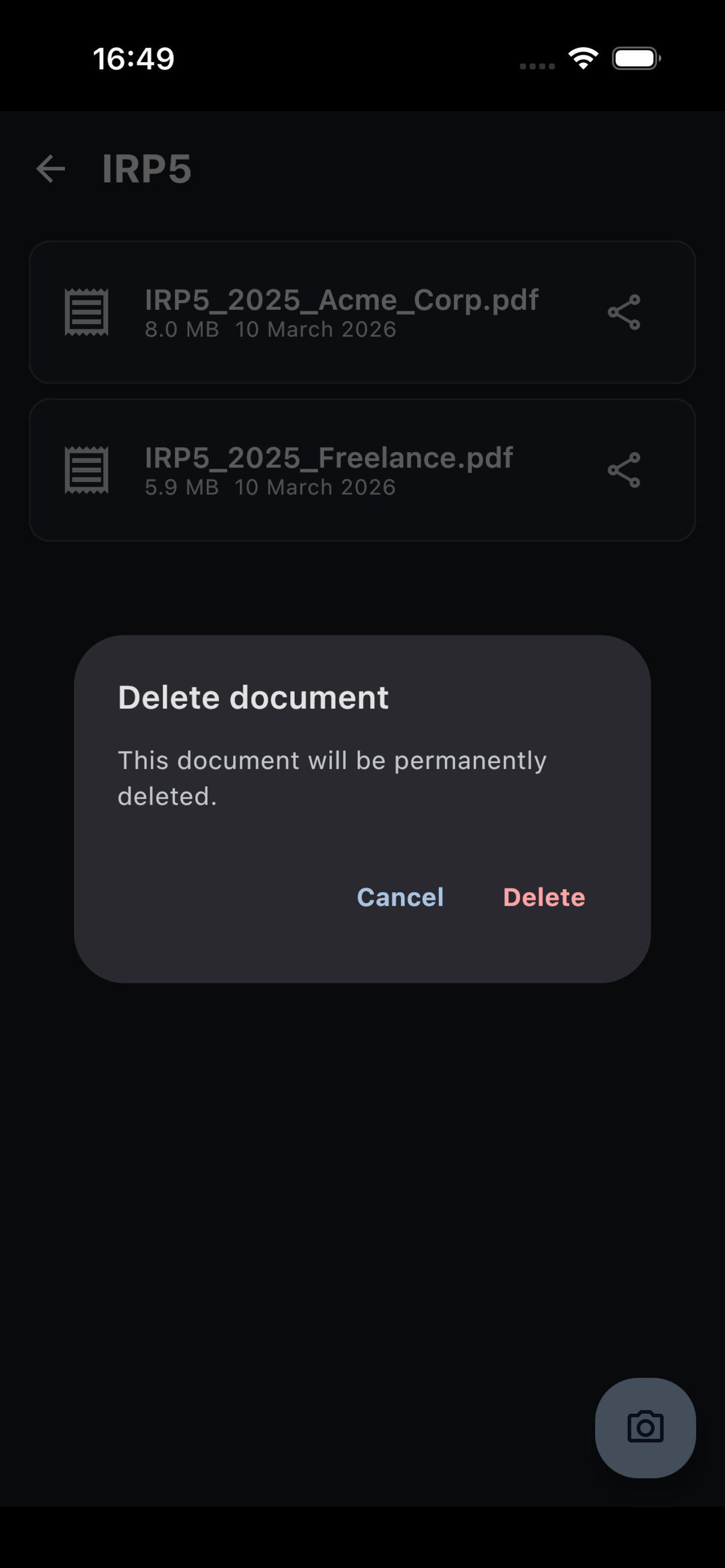
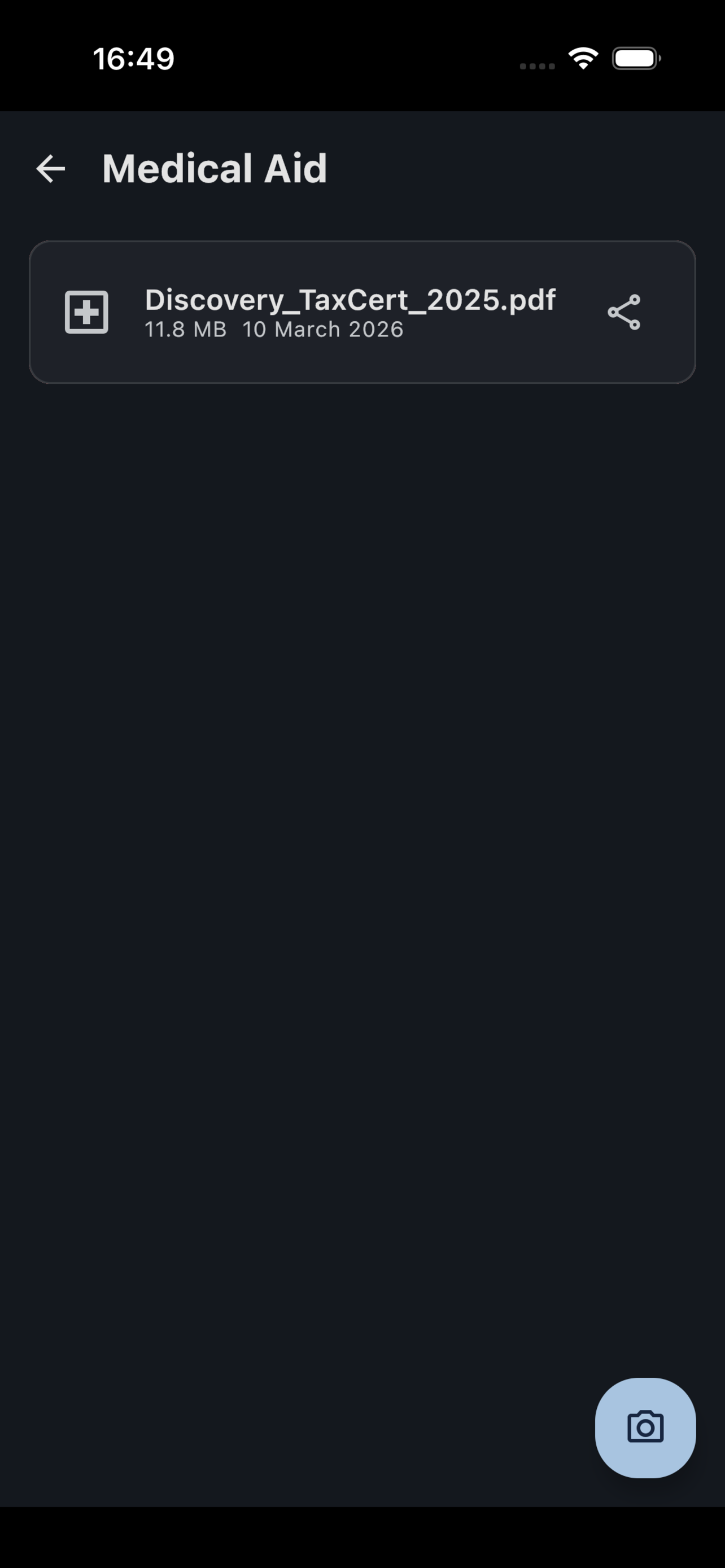
04 Documents organized by tax category.
TaxScanZA export sheet for compliant documents
05 Export straight to Files, email, or AirDrop.
TaxScanZA one-time pro unlock screen
06 R49 once. No subscription.
§ 05 — Download

Stop fighting eFiling.
Start filing.

Free to try. R49 one-time unlock for unlimited scans and export. No subscription.